In today’s digital age, internal storage solutions have become a cornerstone of our computing experience. Whether you’re a casual user or a professional, the importance of a reliable and efficient hard drive cannot be overstated.
One of the primary considerations when choosing an internal hard drive is its capacity. With the increasing demand for high-resolution media, applications, and games, having ample storage space is crucial. But it’s not just about how much you can store; it’s also about how quickly you can access it. This brings us to drive speed and performance.
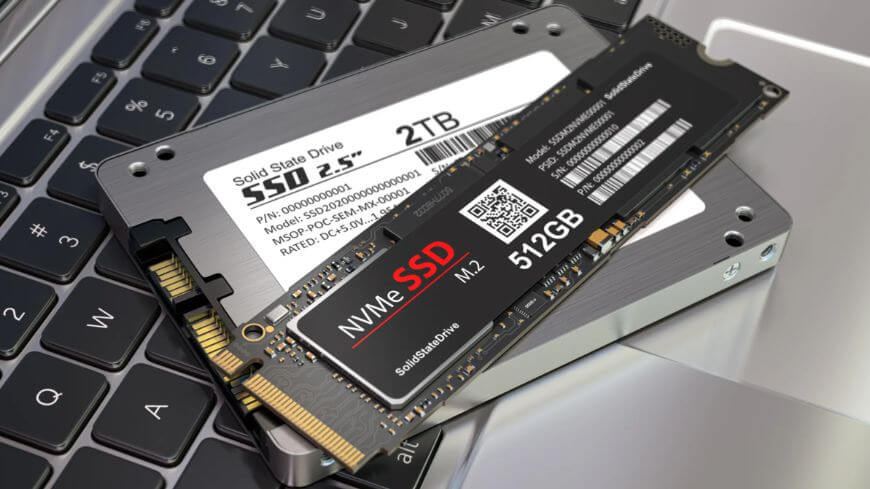
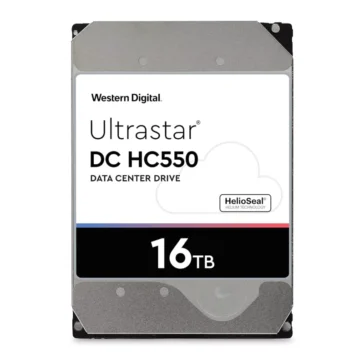
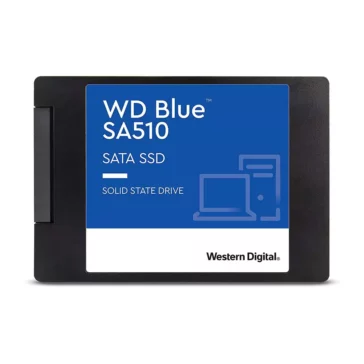
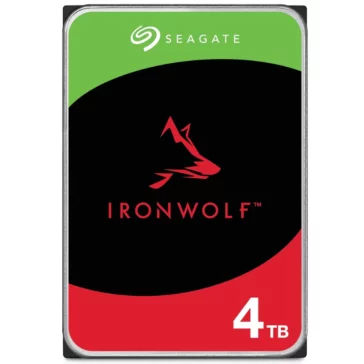
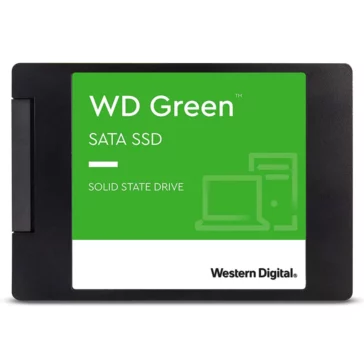
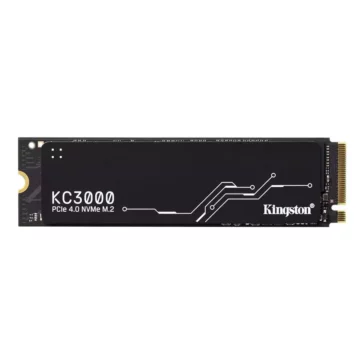
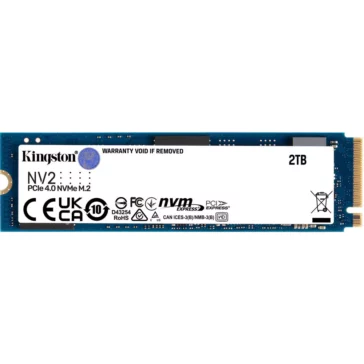
The debate between HDD vs SSD has been ongoing for years. While HDDs (Hard Disk Drives) have been the traditional choice, offering vast amounts of storage at affordable prices, SSDs (Solid State Drives) provide lightning-fast data access speeds, making them ideal for tasks that require rapid data retrieval.
However, the reliability of internal drives is a concern for many. It’s essential to understand that while all drives have a lifespan, regular maintenance and care can significantly extend their longevity. This includes defragmenting HDDs, ensuring adequate ventilation, and keeping the drive free from physical shocks.
Data transfer rates are another crucial aspect. Faster transfer rates mean files, and applications load quicker, leading to a smoother user experience. When installing a new drive, the installation process and ensuring drive formats and compatibility with your system are vital. Incorrect installation or incompatible formats can lead to data loss or system malfunctions.
Lastly, the benefits of upgrading internal storage are numerous. Not only does it provide more space for files and applications, but it can also significantly boost the overall performance of your system, especially if you’re upgrading from an HDD to an SSD.
In conclusion, internal hard drives are an integral component of our digital lives. By understanding their features and benefits, users can make informed decisions and optimize their computing experience.
 Help
Help +91 9987296817