The Comprehensive Guide to Audio Interface Systems
In the world of audio production, the quality of sound is paramount. Whether you’re recording a podcast, producing music, or setting up a home studio, the right audio equipment can make all the difference. Among the essential pieces of equipment is the audio interface system. This guide will delve into the intricacies of audio interfaces, helping you understand their significance and how to choose the right one for your needs.
Understanding Audio Interfaces
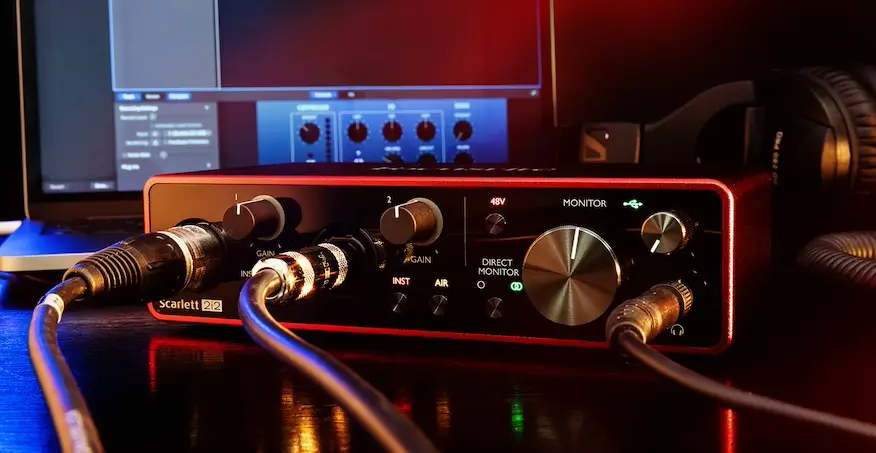
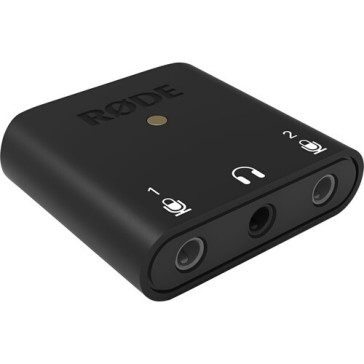
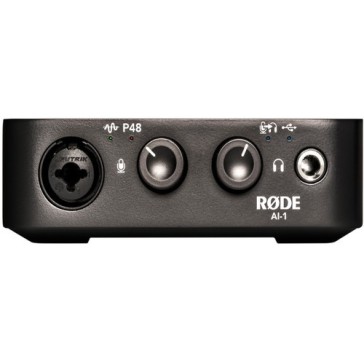
An audio interface is a device that acts as a bridge between your computer and external audio equipment, such as microphones, instruments, and studio monitors. It ensures that the sound is accurately captured, processed, and played back, providing a seamless audio experience.
Why Do You Need an Audio Interface?
High-Quality Sound: Built-in sound cards in computers often lack the quality required for professional audio work. An audio interface system offers superior sound quality, ensuring crisp and clear recordings.
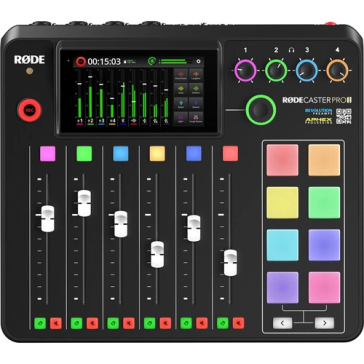
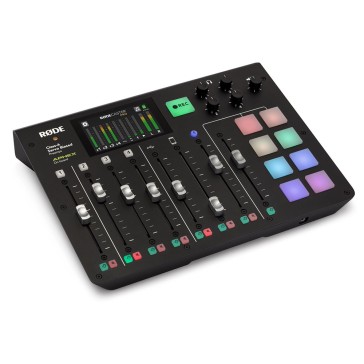
Multiple Inputs and Outputs: Whether you’re recording a solo instrument or an entire band, audio interfaces provide multiple I/O options, allowing you to connect various audio sources simultaneously.
Latency Reduction: Audio interfaces are designed to handle real-time audio processing, reducing latency and ensuring that there’s no delay between playing and hearing the sound.
Types of Audio Interfaces
USB Interfaces: The most common type, they are easy to use and compatible with most computers.
FireWire Interfaces: Known for high data transfer rates, they are ideal for professional setups.
Thunderbolt Interfaces: Offering ultra-low latency and high bandwidth, they are perfect for demanding audio applications.
Choosing the Right Audio Interface
Determine Your Needs: Consider the number of inputs and outputs you need, the type of connectors, and your budget.
Compatibility: Ensure that the interface is compatible with your computer’s operating system and DAW (Digital Audio Workstation).
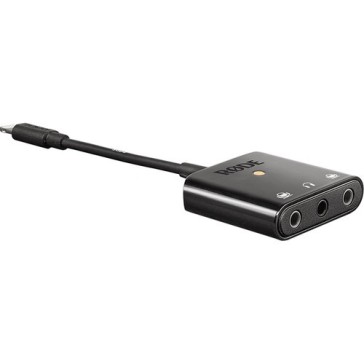
Portability: If you’re a traveling musician or podcaster, opt for a compact and portable interface.
In Conclusion
An audio interface system is more than just a piece of equipment; it’s the heart of your audio setup. By choosing the right one, you ensure that your recordings are of the highest quality, capturing every nuance of sound. Dive into the world of audio interfaces at Design Info and elevate your audio production game.


 Help
Help +91 9987296817